
ADVERTISEMENT
Category
BusinessVersion
15.82.276
Developer
TeamViewer
Size
32.8
Package Name
com.teamviewer.teamviewer.market.mobile
ADVERTISEMENT
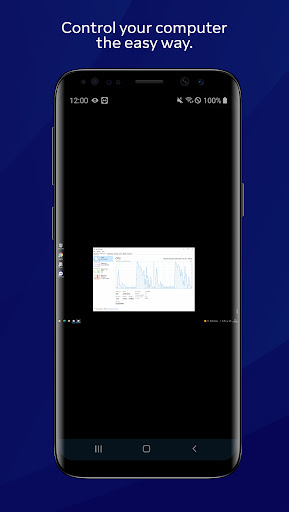
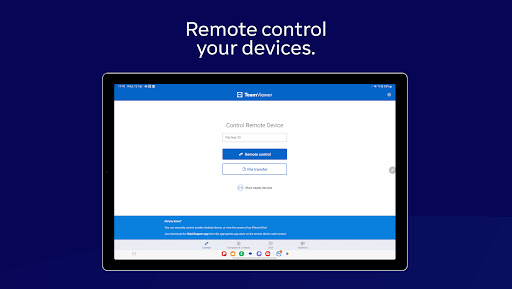
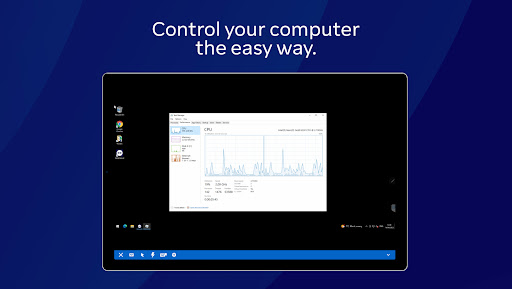
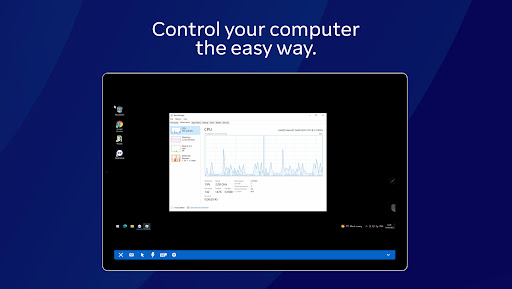
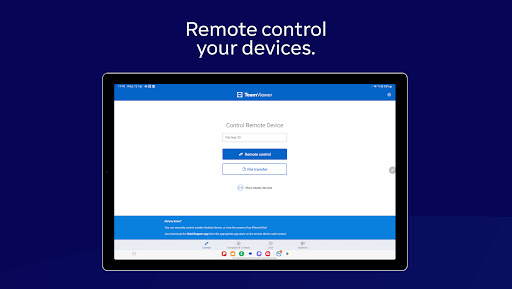
The TeamViewer for Remote Control app allows users to remotely control other devices from their own device. Whether it's a computer, smartphone, or tablet, this app provides easy, fast, and secure access to other devices no matter where you are. With over 1 billion devices worldwide already using TeamViewer, it's clear that this app is trusted and reliable.
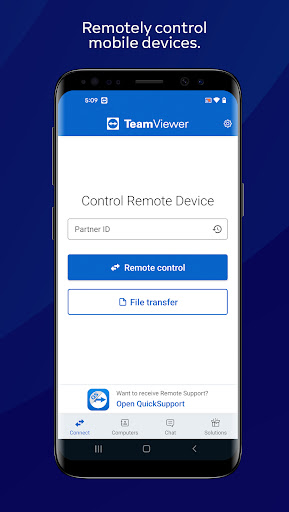
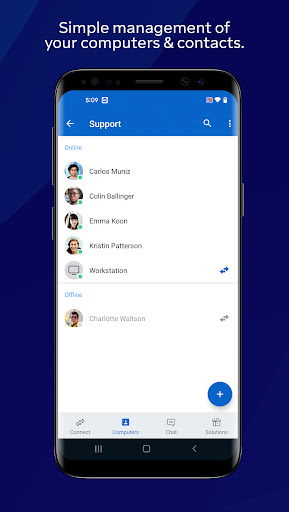
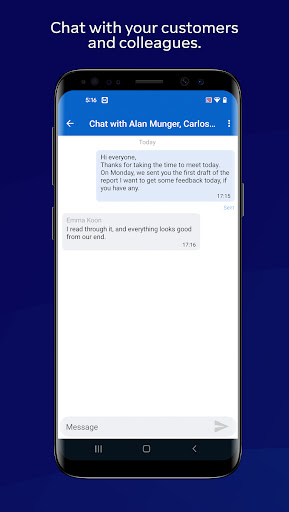
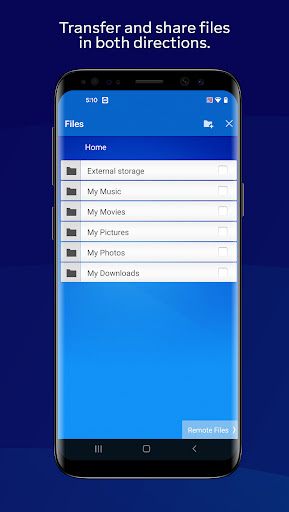
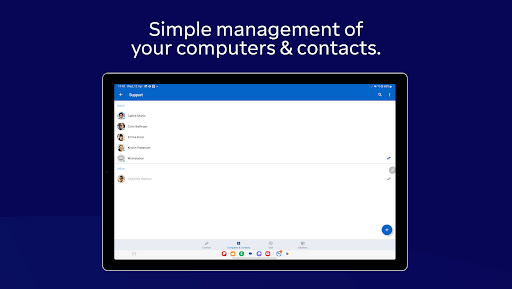
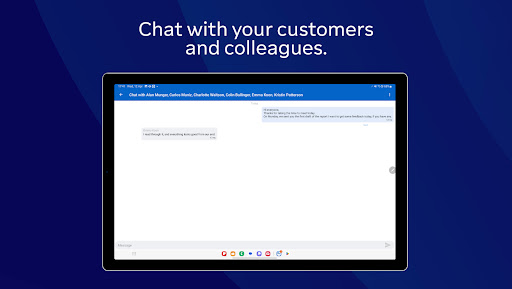
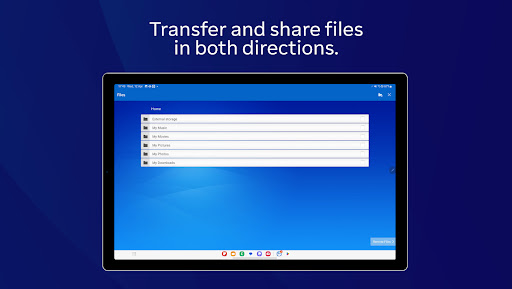
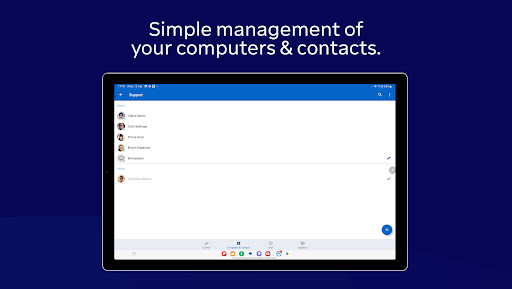
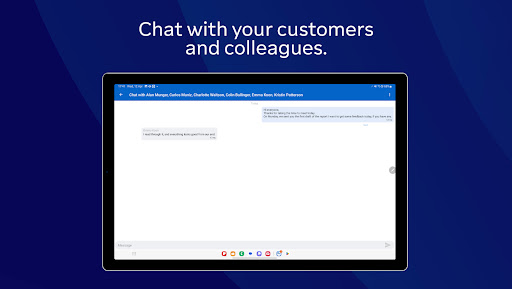
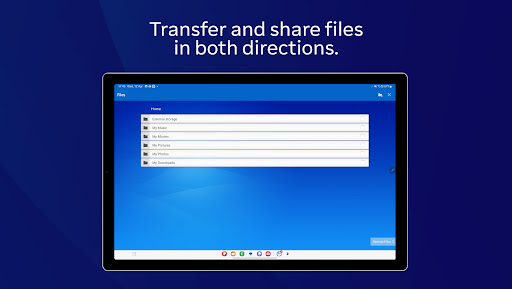
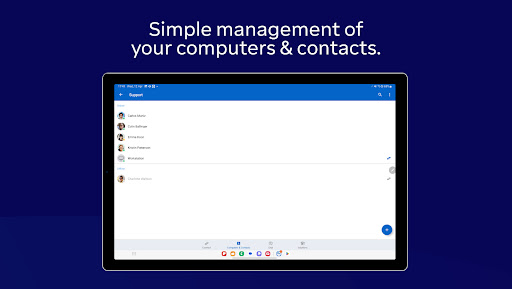
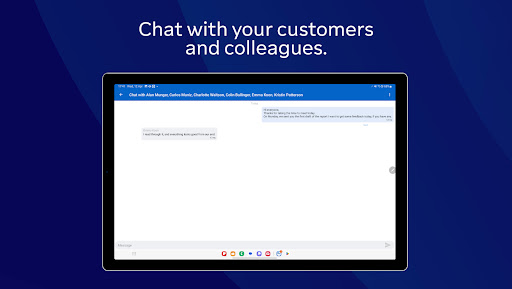
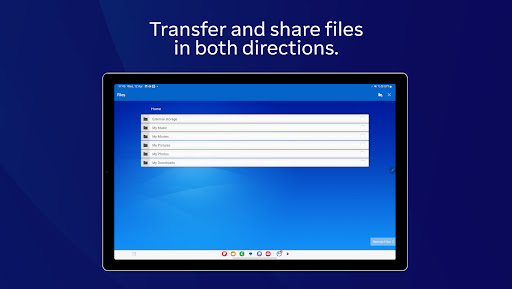
This app offers a range of useful functions for remote control. Users can effortlessly control computers running Windows, Mac OS, or Linux as if they were sitting right in front of them. It's perfect for providing spontaneous support or administering unattended computers such as servers. Additionally, TeamViewer allows for remote control of other mobile devices running Android or Windows 10 Mobile. With intuitive touch and control gestures, file transfers, computer and contacts management, chat capability, and real-time sound and HD video transmission, this app covers all the essentials. And with the highest security standards including 256 Bit AES Session Encoding and 2048 Bit RSA Key Exchange, users can feel confident in the safety of their remote sessions.
Don't miss out on the convenience and power of TeamViewer for Remote Control. Download the app now to experience seamless remote control of other devices. Whether you need to provide support, administer remote computers, or control other mobile devices, TeamViewer has you covered. With its user-friendly interface and top-notch security features, this app is a must-have for anyone who needs remote control capabilities. So why wait? Get TeamViewer for Remote Control today and start enjoying efficient and secure remote access to other devices.



Welcome to Apkparks - your go-to destination for downloading the latest and most popular Android apps. Our mission is to provide a safe, reliable, and user-friendly platform for Android users to discover and download the best apps.
At Apkparks, our top priority is to deliver top-notch content that is relevant to our users. Our team of experts carefully selects and reviews each app before it is available for download on our platform. We also regularly update our app library to ensure our users can access the latest versions of their favorite apps.
At Apkparks, we provide a wide range of high-quality apps that cater to all your needs. Our platform is continuously updated with the latest and hot apps, ensuring users can access the most up-to-date apps.
We prioritize providing a seamless and hassle-free app download experience. Our website is easy to navigate, and our download process is quick and secure.
Thank you for choosing Apkparks as your trusted source for Android apps. We hope you enjoy using our platform and welcome your feedback and suggestions.


